Free WhatsApp QR Code Generator | No Signup Required
Generate unlimited WhatsApp QR codes instantly — free, no signup, no downloads. Turn business cards, signage & packaging into WhatsApp conversations.
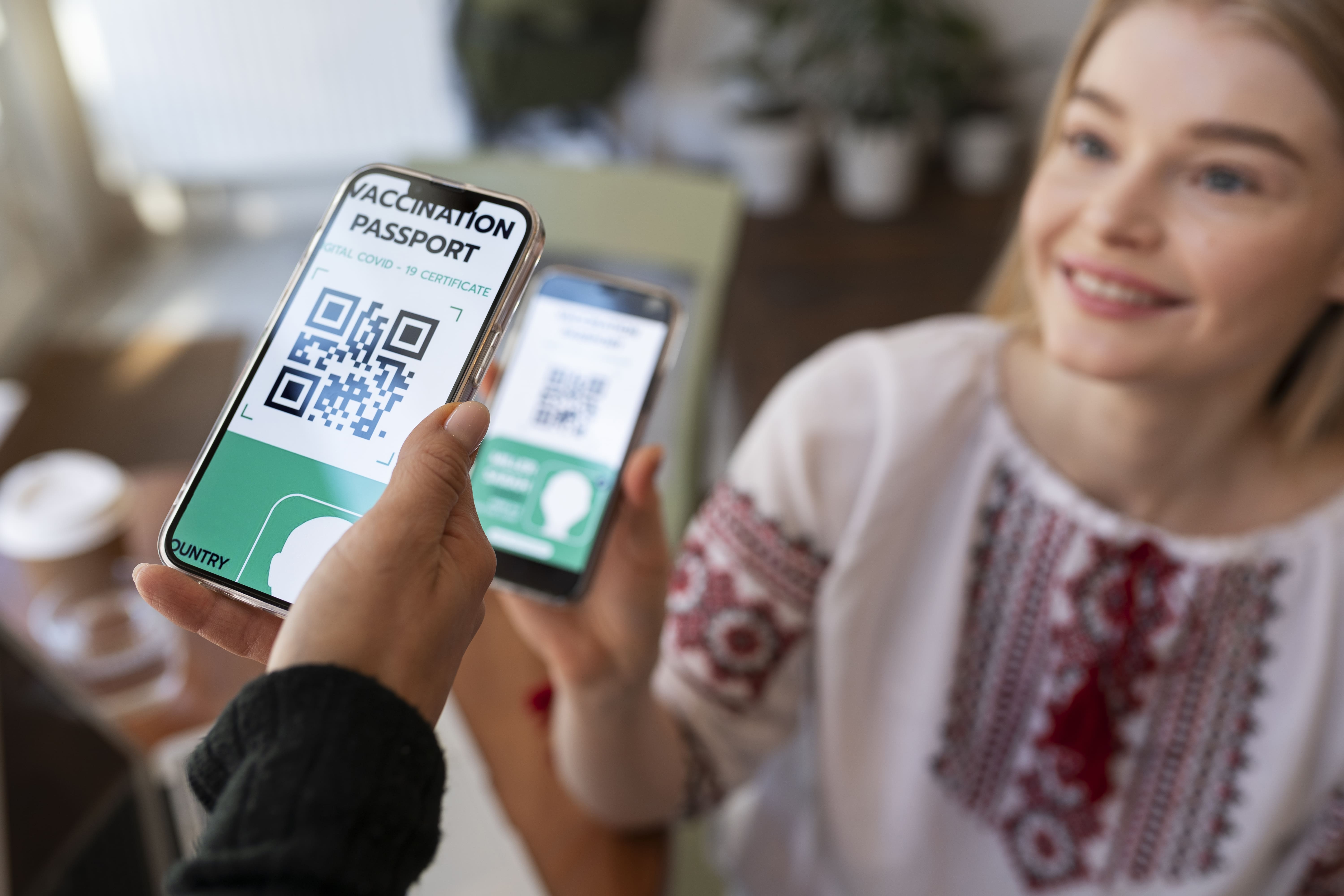
A WhatsApp QR code is a scannable code that opens a WhatsApp chat with a business number when scanned with a smartphone camera. It embeds a wa.me link containing your phone number and an optional pre-filled message, turning physical materials (business cards, signage, packaging) into instant conversation channels. Free to generate, no app required beyond WhatsApp.
Generate Your WhatsApp QR Code (Free Tool)
[TOOL EMBED: WhatsApp QR Code Generator — Devin to implement per spec in brief]
No signup required — generate unlimited QR codes for free. Works with any WhatsApp Business number (Cloud API or App). Customize with pre-filled messages to guide conversations.
How to Use This Tool (3-Step Guide)
-
Enter your WhatsApp Business number — Include country code (e.g., +44 for UK, +1 for US). This is the number customers will message when they scan your QR code.
-
Add an optional pre-filled message — Pre-filled messages increase response rates by making the conversation purpose clear. Example: "Hi, I'd like to know more about your products" or "Hi, I saw your QR code at [Event Name]."
-
Click Generate → Download your QR code — Download as PNG for print materials or SVG for digital use. Test scan on your phone before printing.
What Is a WhatsApp QR Code?
A WhatsApp QR code is a scannable Quick Response code that encodes a wa.me link with your WhatsApp Business number and optional pre-filled message. When someone scans it with their smartphone camera, WhatsApp opens automatically with a chat window ready to send.
The link structure is https://wa.me/<country_code><phone_number>?text=<pre-filled_message>. Special characters in messages are URL-encoded automatically. This technology combines standard QR code encoding with WhatsApp's Click to Chat format.
WhatsApp Business supports QR codes natively in the Business app, but you can generate QR codes for any WhatsApp number using tools like this one. Meta recommends QR codes for businesses to reduce customer friction.
Why Businesses Use WhatsApp QR Codes
Turn Offline Touchpoints Into Conversations
Physical locations become digital engagement channels. Restaurant table tents ("Scan to order takeout"), retail signage ("Scan for exclusive deals"), event booths ("Scan to enter giveaway"), and real estate yard signs ("Scan for virtual tour") all turn passive materials into active conversation starters.
Coffee shops place QR codes on receipts to drive loyalty signups. Courier services print them on packaging for delivery tracking. Real estate agents add them to property flyers for instant booking requests.
Eliminate Friction in Customer Contact
Traditional contact methods require multiple steps: open WhatsApp, tap new chat, enter phone number, save contact, start typing. QR codes reduce this to one action: scan. The camera detects the link, opens WhatsApp, and presents a ready-to-send message window.
Lower friction means higher contact rates. Customers who might abandon manual typing will scan a visible QR code.
Pre-Fill Messages to Guide Responses
Pre-filled messages clarify intent before the conversation starts. This reduces back-and-forth and helps teams prioritize incoming chats.
Examples:
-
E-commerce product packaging: "Hi, I'd like to track my order"
-
Service business cards: "Hi, I'm interested in booking a consultation"
-
Event materials: "Hi, I'd like to know more about [Event Name]"
-
Storefront signage: "Hi, I'm in your store and have a question"
Pre-filled messages also segment traffic by source. A QR code on your business card might say "Hi, we met at [Event]," while a storefront QR says "Hi, I'm visiting your shop." This makes it easy to identify where each conversation originated.
Complement Other WhatsApp Tools
QR codes work best for physical materials and offline-to-online transitions. For digital channels (websites, email signatures, Instagram bios), clickable links are more appropriate.
Need a clickable link instead of a QR code? Try our WhatsApp Link Generator for Instagram bios, website buttons, and email signatures. Both tools generate the same [wa.me](Complement Other WhatsApp Tools QR codes work best for physical materials and offline-to-online transitions. For digital channels (websites, email signatures, Instagram bios), clickable links are more appropriate.
Need a clickable link instead of a QR code? Try our WhatsApp Link Generator for Instagram bios, website buttons, and email signatures. Both tools generate the same wa.me link structure — only the format differs.) link structure — only the format differs.
Where to Use WhatsApp QR Codes (Placement Guide)
Physical Placements
Business cards — Small QR code (1x1 inch minimum) on the back with "Text me on WhatsApp" or "Scan to chat." Works well for consultants, freelancers, and service providers.
Storefront windows and doors — Large QR codes (4x4 inch minimum) with clear CTAs: "Scan to chat with us" or "Questions? Scan to ask." Position at eye level near entrances.
Product packaging — Inside boxes, on labels, or on receipts for support and reorders. Example: "Need help? Scan to message support" or "Reorder — scan to chat."
Event materials — Booth signage, flyers, name badges. Use unique pre-filled messages per event to track engagement: "Hi, I scanned your QR at [Conference Name]."
Receipts and invoices — QR codes for feedback, support, or repeat orders. "Rate your experience — scan to send feedback."
Direct mail — Postcards, brochures, catalogs. QR codes bridge print campaigns to digital conversations. Track performance with unique messages per campaign.
Digital Placements
Email signatures — Small QR codes below contact information. Desktop email recipients can scan with their phone to start a chat.
Social media posts — Instagram Stories, LinkedIn posts, Facebook images. Screenshot your QR code with a CTA: "Scan to chat on WhatsApp."
Website footer — "Prefer WhatsApp? Scan to chat" alongside contact forms. Works well for mobile visitors who can switch directly to WhatsApp.
PDF downloads — E-books, guides, case studies. Readers can scan to ask follow-up questions or request demos.
Digital menus — Restaurants, cafes, food trucks. Customers scan to place orders or ask questions.
Best Practices for Placement
-
Size matters: Minimum 1x1 inch for close-range scans (business cards), 4x4 inch for distance scans (signage visible from 5+ feet away).
-
High contrast: Black QR on white background is most scannable. Avoid low-contrast color combinations (gray on beige, light blue on white).
-
Add context: Include a CTA near the QR code. "Scan to chat on WhatsApp" performs better than a standalone QR with no explanation.
-
Test before printing: Scan your QR code on multiple devices (iPhone, Android) before mass printing. Confirm it opens WhatsApp with the correct number and message.
How WhatsApp QR Codes Work (Technical)
QR codes encode text strings as scannable patterns. In this case, the encoded text is a wa.me link: https://wa.me/<country_code><phone_number>?text=<pre-filled_message>.
When scanned, the device detects the embedded link, recognizes it as WhatsApp-compatible, and opens WhatsApp with a ready-to-send message window. Modern smartphones support native QR scanning in the camera app — no third-party app required.
Special characters in messages are URL-encoded automatically. "Hi, how are you?" becomes Hi%2C%20how%20are%20you%3F in the link.
WhatsApp QR Code vs WhatsApp Link (What's the Difference?)
| Feature | WhatsApp QR Code | WhatsApp Link |
|---|---|---|
| Best for | Physical materials, offline-to-online | Digital channels (websites, emails, social bios) |
| How users access | Scan with phone camera | Click or tap link |
| Placement | Business cards, signage, packaging, print ads | Instagram bio, website buttons, email signatures |
| Customization | Visual design (color, logo, size) | Anchor text, button design |
| Tracking | Requires unique pre-filled messages or phone numbers | Native click tracking in analytics tools |
| Device requirement | Smartphone with camera | Any device (desktop, mobile, tablet) |
Both formats use the same wa.me link structure. The choice depends on context:
-
Offline environments (events, storefronts, packaging) → QR code
-
Online environments (websites, social profiles, emails) → clickable link
Need a clickable link for your website or Instagram bio? Generate a free WhatsApp link instead.
Best Practices for WhatsApp QR Codes
-
Test before printing — Scan your QR code on multiple devices (iPhone, Android) before mass printing. Confirm it opens WhatsApp with the correct number and message.
-
Size matters — Minimum 1x1 inch for close-range scans (business cards). 4x4 inch for distance scans (signage). Larger QR codes scan better in low-light environments.
-
High contrast — Black on white is most scannable. Avoid low-contrast combinations (gray on beige, light blue on white).
-
Add context — Include CTA text: "Scan to chat on WhatsApp" or "Questions? Scan here." Context increases scan rates.
-
Pre-fill messages strategically — Make messages specific: "Hi, I saw your QR at [Event Name]" performs better than generic "Hi." Specific messages also help track which placements drive engagement.
-
Avoid over-customization — Don't sacrifice scannability for branding. Maintain the quiet zone (white border) and avoid low-contrast colors. Heavily branded QR codes may fail to scan.
-
Track performance — Use unique pre-filled messages per campaign: "Hi, I scanned your QR at [Location A]" vs "Hi, I scanned your QR at [Location B]."
-
Update regularly — Static QR codes never expire but cannot be edited after printing. Dynamic QR codes (redirect-based) allow updates but may expire if the service shuts down.
-
Comply with privacy laws — If you collect personal data via WhatsApp, ensure GDPR (EU) or CCPA (California) compliance. Add a disclaimer: "By scanning, you agree to our Privacy Policy [link]."
From QR Code to Conversations: Managing WhatsApp at Scale
QR codes drive conversations, but managing high-volume WhatsApp chats manually overwhelms teams. Messages pile up, customers wait for replies, and leads get buried in unread threads.
FOXAF WhatsApp CRM turns scan-driven leads into organized workflows. The shared team inbox assigns chats to teammates based on skills or availability. AI agents auto-qualify leads, answer FAQs, and collect contact information before human handoff. Automation triggers follow-ups and sends broadcasts to segmented contacts.
Example: You print 500 QR codes for an event. Attendees scan them, and hundreds of people message you. FOXAF's AI agent qualifies each lead, assigns hot prospects to sales, and auto-schedules follow-ups — all without manual tagging.
Pricing starts at $29/mo for 1,000 leads, 20,000 contacts, and 3 channels (WhatsApp QR, WhatsApp Cloud API, email). AI agents (Claude & GPT) included on every paid tier. No per-contact or per-user fees.
Start Free Trial — no credit card required.
Sources
-
brain/site-facts.md (FOXAF pricing, product positioning)
Frequently asked questions
Is this WhatsApp QR code generator really free?
Yes, completely free with no signup, no credit card, no hidden fees. Generate unlimited QR codes for personal or commercial use. There are no limits on the number of QR codes you can create.
Do I need a WhatsApp Business account to use QR codes?
No, QR codes work with any WhatsApp number (personal or Business). However, WhatsApp Business (app or API) offers additional features like automated greetings, away messages, quick replies, and product catalogs that improve customer experience.
Can I customize the QR code design (colors, logo)?
Basic customization (QR code color) is available in this tool. For advanced branding (custom logos, gradients, patterns), you may need a dedicated QR design platform. Ensure scannability isn't compromised — test heavily branded QR codes on multiple devices before printing.
How do I track how many people scan my QR code?
WhatsApp QR codes don't have native scan tracking. To track performance, use unique pre-filled messages per campaign ("Hi, I scanned your QR at [Location]") or unique phone numbers per placement. Count incoming chats with each message variant. For advanced tracking, embed UTM parameters in the message text (requires technical setup and analytics integration).
Can I use the same QR code for multiple campaigns?
You can, but it makes tracking impossible. Best practice: create unique QR codes per campaign or location with distinct pre-filled messages. This lets you know which placement drove each conversation. For example, use "Hi, I scanned your QR at Trade Show A" for one event and "Hi, I scanned your QR at Trade Show B" for another.
Do QR codes expire?
No, static QR codes (like the ones generated here) never expire. They permanently encode your WhatsApp link. As long as your phone number remains active, the QR code will work. Dynamic QR codes from other platforms may expire if the redirect service shuts down or subscription lapses.
What file formats can I download?
PNG (for print and digital use) and SVG (scalable vector for large prints without quality loss). Use PNG for business cards, flyers, and small prints. Use SVG for banners, signage, and large-format prints where scaling without pixelation matters.
Are WhatsApp QR codes GDPR-compliant?
QR codes themselves are just links — compliance depends on how you use them. If you collect personal data via WhatsApp conversations (names, emails, purchase history), ensure you have a privacy policy and obtain consent where required (EU GDPR, California CCPA, UK GDPR). Add a disclaimer near the QR code: "By scanning, you agree to our Privacy Policy." Store consent records and provide opt-out mechanisms in your WhatsApp messages.