How to Get WhatsApp Opt-In From Customers (2026 Guide)
What Meta counts as WhatsApp opt-in, the three rules your consent wording must meet, and sample opt-in lines for your website, SMS, phone and paper forms.
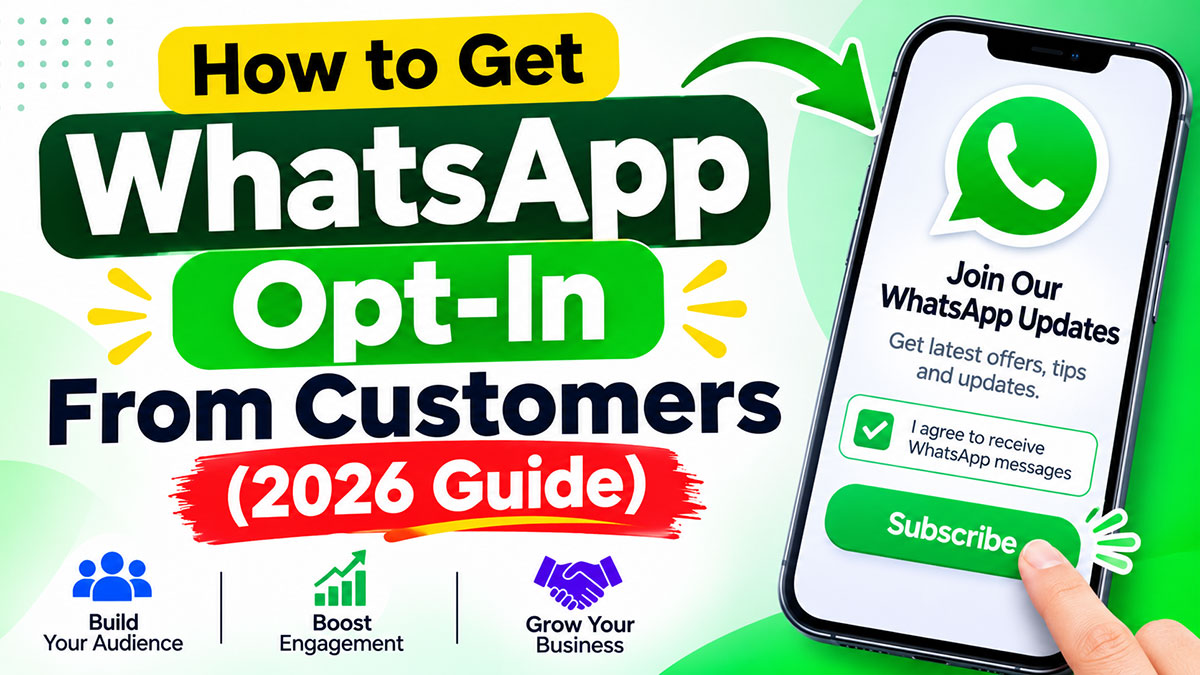
Short answer: Before you message someone on WhatsApp, Meta requires two things: they gave you their phone number, and they agreed to hear from your business. Your consent wording must name your business and say clearly what the person is opting in to. It doesn't have to mention WhatsApp. You can collect it on a website, by SMS, by phone, or on paper.
This guide sets out what Meta counts as opt-in, the three rules your wording has to meet, one sample consent line for each collection method (including a Roman Urdu version), and how to handle people who want to stop.
What counts as WhatsApp opt-in?
Opt-in is a person's permission for your business to message them. The WhatsApp Business Messaging Policy (last updated 23 September 2026) says you may only contact people on WhatsApp if "(a) they have given you their mobile phone number or username; and (b) you have received opt-in permission from the recipient confirming that they wish to receive subsequent messages or calls from you."
Both parts matter. A phone number on its own is the first half. The second half is a clear yes to hearing from you.
The policy also says: "You are solely responsible for determining the method of opt-in." Meta doesn't give you a form to use or a box to tick. You choose how to collect consent, and you answer for it.
It matters most when your business starts the conversation, for example with an order update, a reminder, or a broadcast campaign. Outside the customer service window, those messages go out as approved templates through the WhatsApp Business API.
What Meta requires: the three rules
Meta's developer page Get opt-in for WhatsApp lists three requirements:
| Meta's rule (verbatim) | What it means for your wording |
|---|---|
| "Businesses must clearly state that a person is opting in to receive communication from the business." | Say plainly that they'll get messages from you. Don't hide it in small print. |
| "Businesses must clearly state the business's name that a person is opting in to receive messages from." | Use your trading name, the one customers know. |
| "Businesses must comply with applicable law." | Meta's rules sit on top of the law where you and your customer are, not instead of it. |
Meta adds: "As long as the opt-in method meets the above requirements, it will be policy compliant."
Does opt-in have to mention WhatsApp?
No. Many guides still say your opt-in must state that the customer is agreeing to WhatsApp messages. Meta's current page says otherwise: "As per the November 2024 WhatsApp Business Messaging Policy update", businesses must get opt-in permission, "which can be general and not specifically for WhatsApp, as long as businesses comply with all local laws."
In practice, a line like "Yes, [Business Name] can send me order updates" can be enough for Meta, as long as it names your business and is clear.
Naming WhatsApp is still a good idea. One of Meta's best practices is "Users should expect the messages they receive." A customer who saw the word WhatsApp at sign-up won't be surprised when your message arrives there, and a surprised customer is the one who blocks you.
4 ways to collect opt-in, with sample wording
Meta lists four "examples of supported opt-in methods". Each one below has a sample line you can adapt. Replace [Business Name] with your own.
1. Website forms and checkout
Put one short line next to the phone field on your contact form, checkout or sign-up page:
"Leave your number and [Business Name] will send your order updates on WhatsApp. You can tell us to stop at any time."
If you run a chat widget, the same rule applies to its form. On FOXAF's live chat, the pre-chat form can ask for a name, email and phone number, and the chat is saved on that contact, so the consent line belongs right under the phone field. For the full set-up, see how to add a WhatsApp chat widget to your website.
2. SMS
Ask by text, and wait for a reply before you send anything on WhatsApp:
"[Business Name]: Reply YES to get your delivery updates and offers on WhatsApp. Reply NO and we won't."
Keep the reply, so you can see later when and how the person said yes.
3. By phone (IVR or a call)
Meta names "By phone (using an interactive voice response (IVR) flow)". A short recorded prompt works:
"To get your booking confirmation on WhatsApp from [Business Name], press 1."
This fits businesses that already get lots of calls. If you text people back after a missed call, read how missed-call text-back works on WhatsApp first, and make sure the caller has agreed before you message them.
Note that calls are separate. The policy lists "Obtaining a separate opt-in to initiate a call to a user." among its best practices, so a yes to messages isn't a yes to WhatsApp calls.
4. In person or on paper
Meta's fourth example is "In person or on paper (customers can sign a physical document to opt in)". This suits clinics, schools, showrooms and shops: a line on the registration form, invoice or loyalty card, with a box to tick and a signature.
A Roman Urdu version for Pakistani customers:
"Main [Business Name] se WhatsApp par order updates aur offers lena chahta/chahti hoon. ☐ Haan"
Make sure the paper version still names your business and says what they'll get. The same three rules apply on paper as online.
What about ads? If you run Facebook or Instagram ads, a lead form and a click-to-WhatsApp ad collect the customer's details in different ways. See Facebook lead ads vs click-to-WhatsApp ads for how opt-in fits each one.
Ask separately for order updates and marketing
Meta recommends "Obtaining an opt-in that encompasses the different categories of messages that a business will send", and the policy gives "order updates, relevant offers, product recommendations" as examples. It also recommends "Obtaining separate opt-in by specific message category."
The reason it gives is direct: "This mitigates the risk that users will block your business because they receive unsolicited messages."
So two tick boxes beat one:
- ☐ Send me order and delivery updates on WhatsApp
- ☐ Send me offers and new arrivals on WhatsApp
A customer who wanted delivery updates and then gets a sale blast is exactly the customer who blocks you. Two boxes let them choose, and the people who tick the second box are the ones who want your offers. Meta also suggests you "clearly communicate the value of receiving this information", so say what they get: "Get your rider's number on the day of delivery" beats "Get updates".
How to let people opt out
The policy is firm here: "You must respect all requests (either on or off WhatsApp) by a person to block, discontinue, or otherwise opt out of communications from you via WhatsApp, including removing that person from your contacts list."
Note "on or off WhatsApp". If a customer tells your rider, your call centre or your shop counter to stop, that counts too.
Meta's best practices ask you to "Provide clear instructions for how people can opt out of receiving specific categories of messages, and honor these requests", and to "Ensure opt-in and opt-out flows are clear and intuitive for users." Put a line at the end of your marketing messages, such as "Reply STOP to stop offers. You'll still get your order updates."
Customers also have their own controls. Meta says people can "stop receiving marketing messages from individual businesses", and "People can also block or report a business."
In FOXAF, the features page lists "Built-in opt-out keywords (STOP, REMOVE) honoured automatically across campaigns", and says "Opt-outs are honoured across channels". You still need to act on requests that reach you another way, such as a phone call.
Why opt-in affects your quality rating
Meta's opt-in page puts it plainly: "Maintaining high-quality chat threads between people and businesses remains important." It adds: "Our systems will rate limit businesses if the business's quality is low for a sustained period of time." Customers who never agreed to hear from you are the ones most likely to block or report you.
So consent isn't only a compliance box. It decides whether your messages keep going out. Meta's advice is to watch closely when you change how you collect it: "Businesses should monitor quality rating, especially when rolling out new opt-in methods."
If you plan to message your opted-in list at scale, our guide to WhatsApp broadcast campaigns covers how to plan and send them.
Opt-in on FOXAF
FOXAF sends your template messages through the official WhatsApp Business API, so Meta's opt-in rules above apply to every message you start. Collect consent with the methods in this guide, ask separately for order updates and marketing, and keep a note of how each customer opted in.
See FOXAF pricing for the plans.
Frequently asked questions
What is WhatsApp opt-in?
It's a person's permission for your business to message them on WhatsApp. Meta's policy says you may contact someone only if they have given you their phone number or username and you have their opt-in permission confirming they want to receive messages or calls from you.
Does WhatsApp opt-in have to mention WhatsApp?
No. Since the November 2024 policy update, Meta says opt-in "can be general and not specifically for WhatsApp, as long as businesses comply with all local laws." Mentioning WhatsApp is still good practice, because Meta says users should expect the messages they receive.
What must an opt-in message say?
Meta lists three rules: clearly state that the person is opting in to receive communication from your business, clearly state your business's name, and comply with applicable law.
How can I collect WhatsApp opt-in?
Meta's examples are SMS, your website, by phone using an interactive voice response (IVR) flow, and in person or on paper, where customers can sign a physical document. Any method that meets Meta's three rules is policy compliant.
Is a phone number enough for WhatsApp opt-in?
No. Meta's policy requires both: the person gave you their number, and you received their opt-in permission to receive messages from you.
Do I need separate opt-in for marketing messages?
Meta recommends it. Its best practices include getting opt-in that covers the categories of messages you'll send, such as order updates and offers, and "obtaining separate opt-in by specific message category," which it says reduces the risk of customers blocking you.
How do customers opt out of WhatsApp messages from a business?
They can ask you directly, on or off WhatsApp, and Meta's policy says you must respect that request and remove them from your contacts list. They can also stop marketing messages from a business in WhatsApp, or block or report the business.
What happens if customers block my business?
Meta says people can block or report a business, and that it will rate limit businesses whose quality is low for a sustained period. It advises monitoring your quality rating when you roll out new opt-in methods.