WhatsApp Template Rejected? Why Meta Says No, and How to Get Approved (2026)
Why Meta rejects WhatsApp message templates, how to fix each cause, when to resubmit or appeal, and what to do if an approved template is paused.
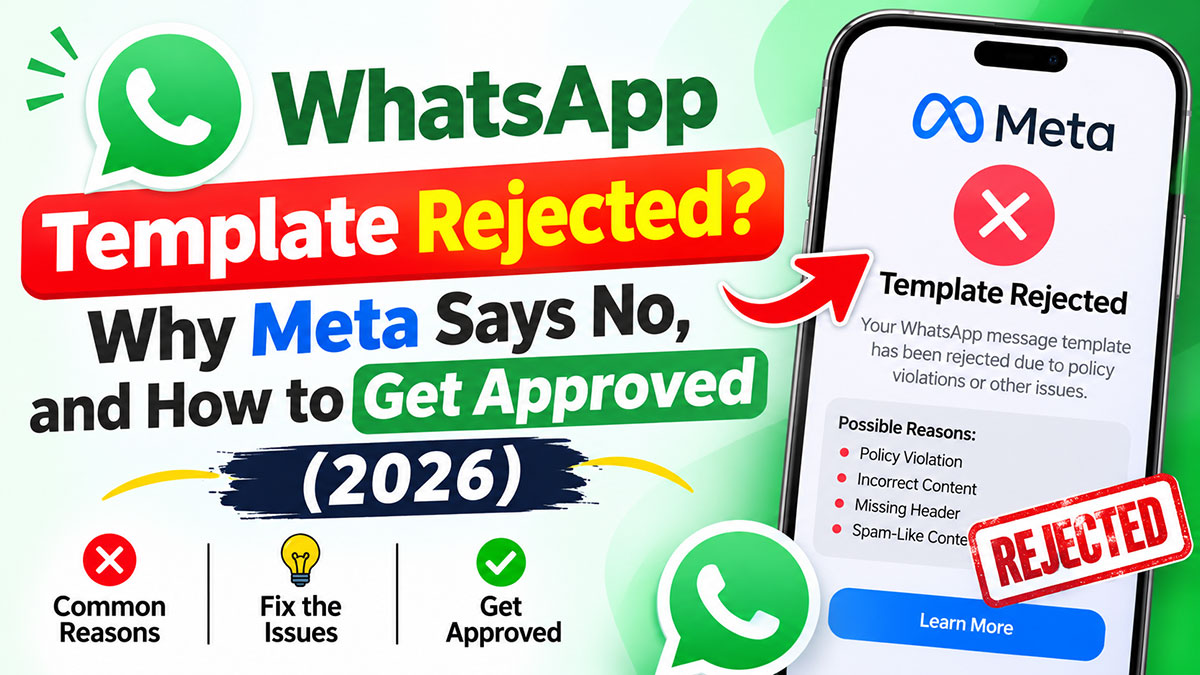
Short answer: Meta usually rejects a WhatsApp message template for one of four reasons: the variables are formatted wrong, the content breaks WhatsApp's Commerce or Business Policy, the text is too long or has too many emojis for its format, or it duplicates a template you already have. Fix the cause and resubmit, or appeal with a sample. Meta says a review takes up to 24 hours, and so does an appeal.
This guide lists every rejection reason Meta publishes, shows the fix for each, explains how Meta decides between Utility and Marketing (and when it changes your category after approval), and ends with a checklist to run before you press submit.
Why was my WhatsApp template rejected?
Every template you send through the WhatsApp Business Platform is reviewed by Meta first. Meta's template review page says submissions "are commonly rejected for the following reasons". Here they are, with what to change.
| Rejection reason (Meta's wording, shortened) | What it looks like | The fix |
|---|---|---|
| Variables "missing or have mismatched curly braces" | {1}, {{1}, [1] |
Use {{1}}, {{2}}, and so on |
| Variables "contain special characters such as a #, $, or %" | {{#order}}, {{$amount}} |
Put the symbol outside the braces: Rs. {{2}} |
| Variables "are not sequential" | {{1}}, {{2}}, {{5}}, {{4}} |
Number them in order with no gaps |
| "Too many variable parameters relative to the message length" | "Hi {{1}}, {{2}} {{3}} {{4}}." | Use fewer variables, or write more fixed text around them |
| The template starts or ends with a variable | "{{1}}, your order is ready" | Add fixed words before the first and after the last variable |
| Breaks WhatsApp's Commerce Policy | Selling something WhatsApp doesn't allow | Check the product against the Commerce Policy |
| Breaks the WhatsApp Business Policy | Asking for a full card number, bank account number or national ID number | Never ask for full identifiers; partial ones are allowed |
| "Potentially abusive or threatening content" | Threatening legal action, public shaming | Rewrite in a neutral, factual tone |
| Too long, or too many emojis, for its format | A long promotional body packed with emojis | Shorten the body and cut emojis |
| A "duplicate of an existing template" | Same body and footer as one you already have | Change the wording, or reuse the existing template |
When a template is rejected, Meta tells you why. The page says "a rejection notification that includes the rejection reason will appear in Business Support Home", under Rejected message templates for your WhatsApp Business Account. Read that reason first. It saves guessing.
Parameter rules that trip up most people
Variables (Meta calls them parameters) are the most common reason a template comes back rejected, and the easiest to fix. Meta's template guidelines say positional parameters start "from 1, wrapped in double curly brackets", in order.
Rejected:
{{1}}, your order {{#3}} for {{%4}} is confirmed.
Three problems: it starts with a variable, it skips {{2}}, and two variables contain # and %.
Approved-style:
Hi {{1}}, thank you for your order. Order number {{2}} for Rs. {{3}} is confirmed and will be shipped within two working days. Reply to this message if anything needs changing.
Fixed text before and after, numbers in order, symbols outside the braces, and enough real words around the variables.
Always add sample values. Meta's review page says "providing a sample makes it easier for reviewers to visualize how your template will appear to customers". If {{1}} is a name, give "Ayesha". If {{3}} is an amount, give a real-looking amount. A reviewer who can't tell what goes in a variable can't approve it with confidence.
If you write templates in Urdu or Roman Urdu, the same rules apply. Keep the variable format exactly the same and give samples in the language you're submitting. Using WhatsApp in Urdu for business covers the wider picture.
Utility or Marketing: how Meta decides, and when it changes your category
Meta's guidelines say: "Each template must be categorized as authentication, marketing, or utility." The category decides how the template is treated and priced, so it matters even after approval.
- Utility is for a transaction or a request the customer made: an order update, a booking reminder, a follow-up on their call. Meta's categorization guidelines say a Utility template "must be non-promotional, not containing any promotional or persuasive intent".
- Marketing is anything that promotes: offers, discounts, new products, "while you're here" add-ons.
- Authentication is for one-time passcodes.
The usual trap is a Utility template with a promotion tucked into the last line. "Your order has shipped. Use code SAVE10 on your next order!" is no longer a pure order update.
Approval is not the end of it. Meta says it runs "a recurring process to identify and update approved templates that should be of a different category". If it decides an approved Utility template is really Marketing:
- "A 1-day advance notice is provided before the template category is updated to marketing."
- Once you've been warned, "the category will be updated with no advance notice".
- For businesses that keep miscategorising, "WhatsApp may apply escalating restrictions."
So categorise honestly from the start. If a template mixes an update and an offer, split it into two, or submit it as Marketing. Our guide to missed-call follow-ups on WhatsApp shows a worked Utility-versus-Marketing example.
Edit and resubmit, or appeal?
Meta gives you two routes: "If it is rejected, you can edit it and resubmit for approval, or appeal the decision."
Edit and resubmit when the rejection reason points to something you can see: a broken variable, a promotion in a Utility template, a duplicate.
- Open the rejection reason in Business Support Home.
- Fix that one cause, using the table above.
- Check the rest of the template against the checklist below, so it doesn't bounce for a second reason.
- Add or update the sample values.
- Resubmit. Meta says review can take up to 24 hours.
Appeal when you've read the reason and you believe the template is compliant as written, for example a plain order update that was flagged as promotional.
- File the appeal from the rejection notice.
- Include a sample. Meta says "appeals must include a sample."
- Wait for the decision. Meta says it will be "made within 24 hours".
If an appeal fails, don't keep re-filing the same text. Rewrite it.
Approved, but now Paused or Disabled?
A template can be approved and still stop working later. Meta's guidelines describe two states:
- Paused: because of "recurring negative feedback from customers, or low read-rates".
- Disabled: because of "recurring negative feedback".
Meta says neither paused nor disabled templates "can be sent to customers". The fix isn't in the review process; it's in how the template is used. Send it only to people who opted in, only when it's relevant, and make the message worth reading. Running WhatsApp broadcast campaigns covers audience and frequency.
Two volume limits are worth knowing too. Meta's message templates API page says an unverified business portfolio is "limited to 250 message templates" per WhatsApp Business Account, and you can create at most "100 templates in a Messaging account per hour". Clean out templates you no longer use before you reach the cap.
A pre-submit checklist
Run through this before every submission:
- Variables are
{{1}},{{2}},{{3}}, in order, with no gaps. - No
#,$or%inside any variable. - The template doesn't start or end with a variable.
- There's enough fixed text around the variables.
- Every variable has a realistic sample value.
- The category is honest: no offer inside a Utility template.
- It doesn't ask for a full card, bank account or national ID number.
- The tone is neutral, with no threats or shaming.
- The body is short and light on emojis.
- It isn't a copy of a template you already have.
- You'll send it only to people who opted in.
Templates in FOXAF
You send templates through the WhatsApp Business Platform, not the regular WhatsApp Business app. If you're not sure which you need, see WhatsApp Business API vs app. For Pakistan, choosing a WhatsApp API provider in Pakistan walks through the options.
On FOXAF's WhatsApp Business API, FOXAF submits, tracks approval status and manages template categories for you, so your team sees where each template stands without opening Meta's tools. Meta still reviews every template, so the rules in this guide apply either way.
See FOXAF pricing for the plans, or read more about the WhatsApp Business API on FOXAF.
Frequently asked questions
Why was my WhatsApp template rejected?
Meta's most common reasons are badly formatted variables, content that breaks WhatsApp's Commerce or Business Policy, abusive or threatening wording, a body that's too long or has too many emojis for its format, and duplicating an existing template. The rejection notice in Business Support Home tells you which one applies.
How long does WhatsApp template approval take?
Meta says it can take up to 24 hours for an approval decision to be made.
How do I appeal a rejected WhatsApp template?
File an appeal from the rejection notice and include a sample, which Meta requires. Meta says the appeal will be reviewed and decided within 24 hours.
Should I appeal or edit and resubmit?
Edit and resubmit if the rejection reason points to something you can fix, such as a broken variable or a promotion inside a Utility template. Appeal if you believe the template is compliant as written.
Where can I see why my template was rejected?
In Business Support Home. Meta says a rejection notification that includes the reason appears there, under Rejected message templates for your WhatsApp Business Account.
What is the difference between a Utility and a Marketing template?
A Utility template relates to a transaction or a request the customer made, and Meta says it must be non-promotional. A Marketing template promotes something. A template that mixes an update with an offer is treated as Marketing.
Can Meta change my template's category after approval?
Yes. Meta reviews approved templates and can move a Utility template to Marketing. It gives one day's notice the first time; after a warning, it can change the category with no advance notice.
Why was my approved template paused?
Meta pauses templates that get recurring negative feedback from customers or low read rates, and disables them for recurring negative feedback. Paused or disabled templates can't be sent until the problem is fixed.